AcahtiThe app
Packages
The organization's npm and PyPI registries. Install with your Acahti account, publish from pipelines without a token, and follow each package's releases.
Every organization has its own npm and PyPI registry on the instance, behind the same identity as Git. Packages lists what has been published to them.
Browse#
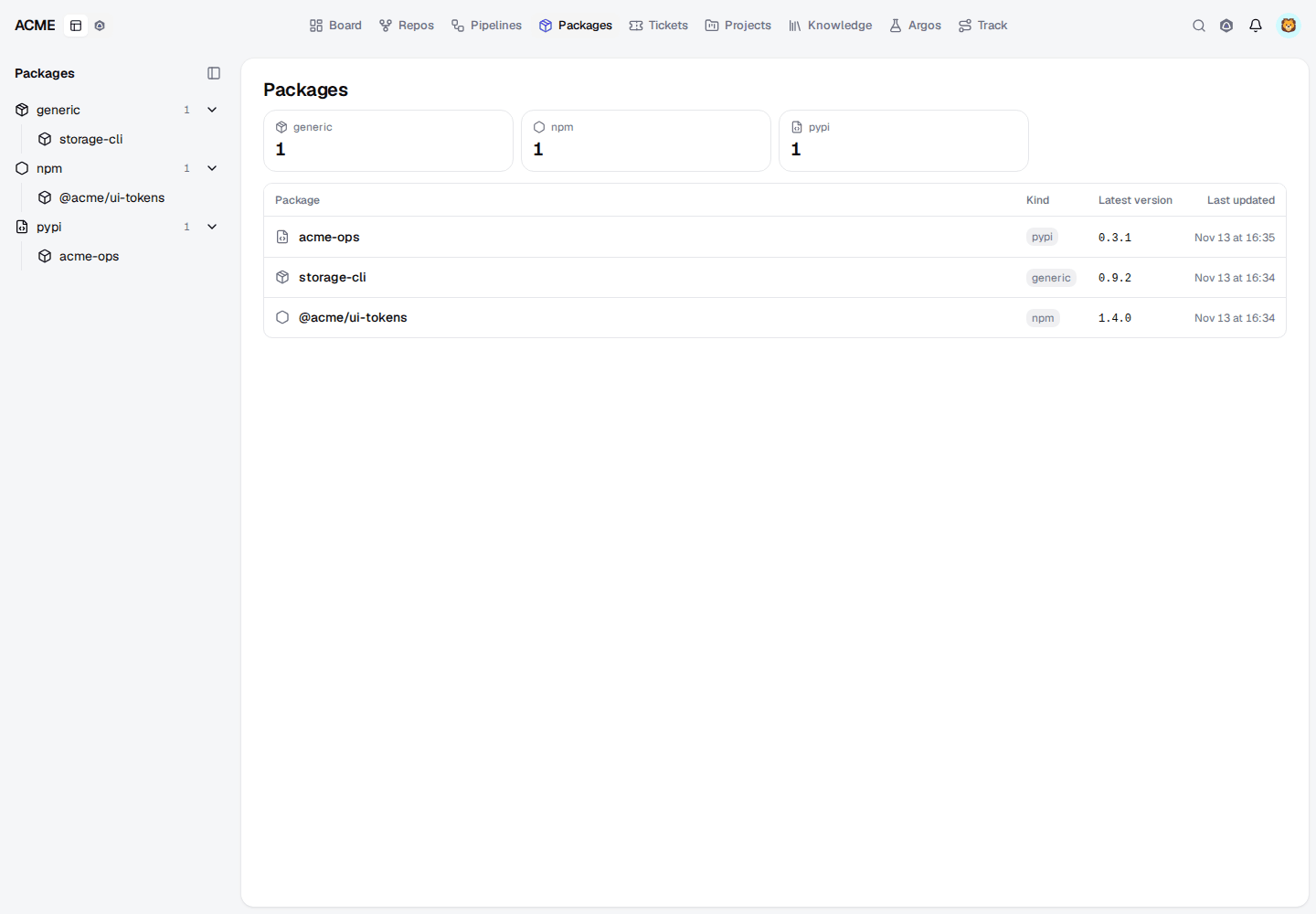
The list shows each package with its kind, latest version and last update. A package's page gives a copyable install snippet for its kind, every version with its publish date, and a release timeline with the average interval between releases.
Install#
Use your Acahti account, or a token in place of the password, as for Git:
| Kind | Registry |
|---|---|
| npm | <instance>/api/packages/<org>/npm/ |
| PyPI | <instance>/api/packages/<org>/pypi/simple/ |
On a laptop, authenticate in ~/.npmrc, with UV_INDEX_<NAME>_USERNAME and
UV_INDEX_<NAME>_PASSWORD, or in ~/.netrc. In CI the docker-build pipe
passes the same credentials to builds as BuildKit secrets.
Publish#
Pipelines publish as the run's identity, the head commit's author, so no
publish token is stored anywhere. Publish on a tag with the
npm-publish-acahti or pypi-publish-acahti pipe (see
Pipelines), or with pkg_publish from an agent.
Organization administrators remove a version, or a whole package, with
pkg_delete.
For agents: packages.mdEdit this page