AcahtiThe app
Tour of the app
The instance's web app, tab by tab. What each section of the header is for, and where it sits on the Track line.
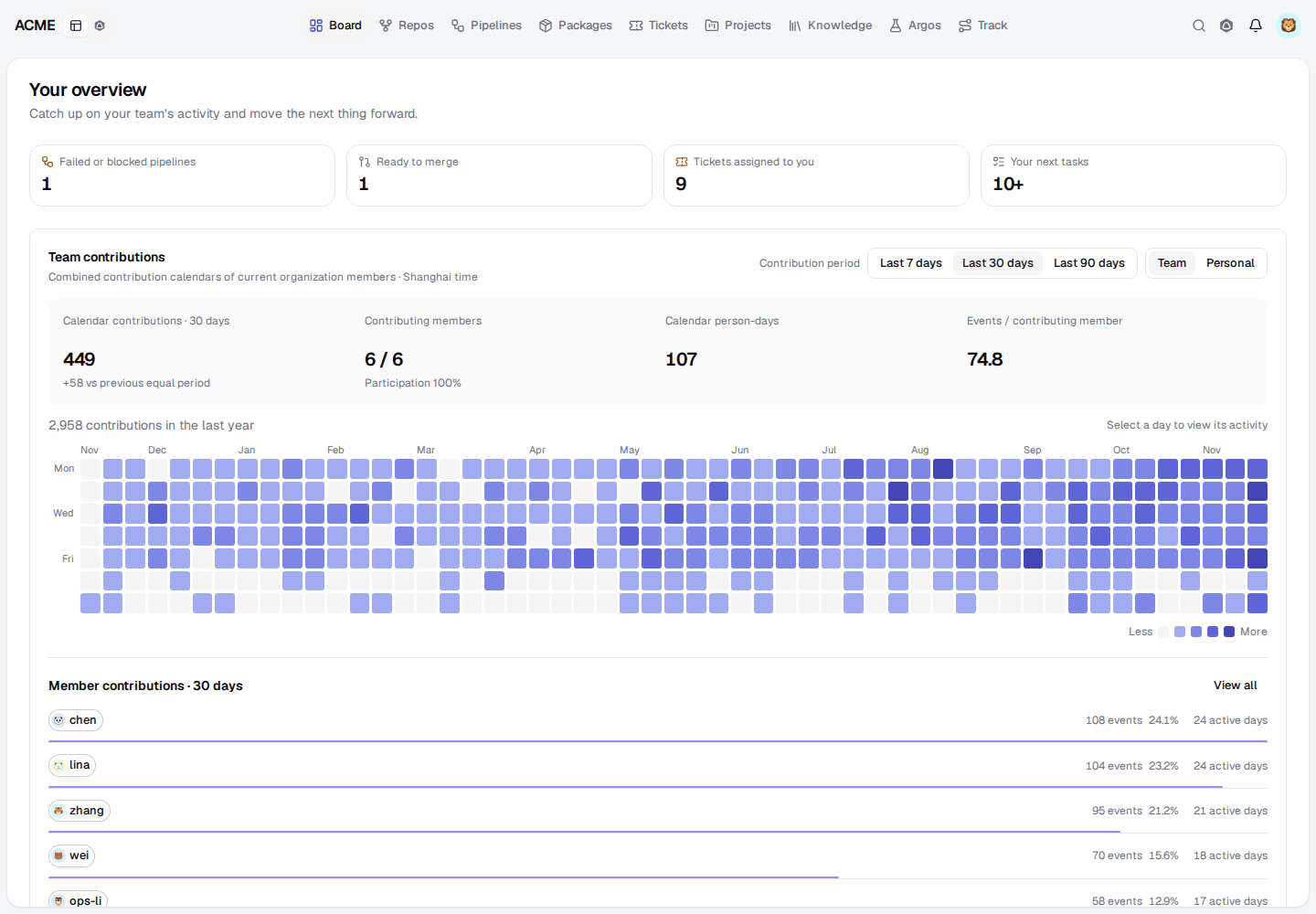
Every instance serves the same web app. The header is the map: the organization and the mode on the left, the sections in the middle, and search, the sidecar, notifications and your account on the right.
The sections#
| Tab | What it is for | Who lives there |
|---|---|---|
| Board | Your overview: what needs attention, contribution activity and, for managers, an analysis of open work | Everyone, first thing |
| Repos | Repositories, files, commits, the commit graph, branches, tags, pull requests, access and secrets | Developers and coding agents |
| Pipelines | Every pipeline run across the organization: running, failed, awaiting approval, succeeded | Whoever pushed; release owners |
| Packages | The organization's npm and PyPI packages, their versions and release timeline | Consumers and publishers |
| Tickets | Reported problems and requests, from reproduction to verification | Reporters, triagers, developers |
| Projects | Projects with their people, agents, repositories, todos and iterations | Leads and Work managers |
| Knowledge | Shared documents, files and prototypes, with revisions and sharing | Everyone |
| Argos | Test cases, plans and runs with their evidence | QA, developers and agents |
| Plugins | Sections that signed plugins add, such as Phaevo | Depends on the plugin |
| Track | Every open flow from report to release; one person's activity | Leads, and anyone following work |
Each section is described in its own page in this group. For how they fit together, see Track is the mainline.
Around the sections#
- Organization switcher. Members of several organizations switch here; the sections show the selected organization's work.
- Dashboard | Agent. Dashboard shows the page with the sidecar beside it. Agent makes Aidy the main surface. See Aidy and global search.
- Search. Searches the workspace from the header;
Ctrl/Cmd+Kfocuses it. - Sidecar. Holds Aidy and your chats next to whatever page you are on.
- Notifications. Assignments, verifications, rejections and the other notifications addressed to you.
- Account menu. Your display name and email, access tokens, Admin (for administrators), language, theme, this documentation and sign-out.
On pages with a sidebar, collapse it to a narrow rail of monograms with its
control or Ctrl/Cmd+B. Below a medium width the sections move to their own
row as icons.
Who sees what#
Members see the repositories their teams can read and the work of their organization; restricted documents stay with the people they are shared with, and every member sees Argos runs. Work managers also see organization-wide analysis, adjust Track templates and any flow, and verify any ticket. Organization administrators manage teams, repository archives and the Admin pages: users, organizations, secrets, Aidy settings, sharing and plugins.
For agents: app.mdEdit this page